Łukasz Sagun
2026-03-25
•
5
min
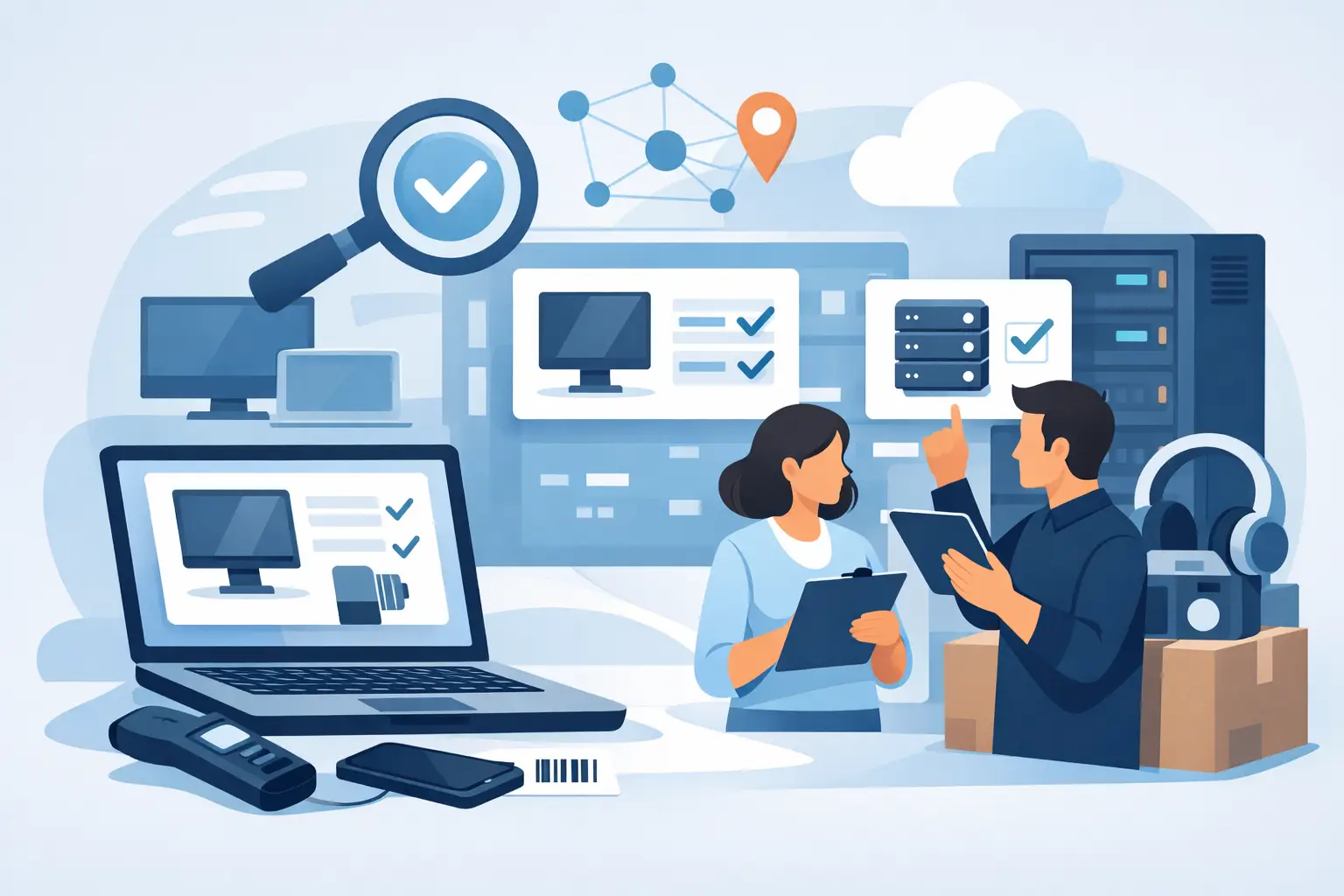
Physical inventory counts managed in spreadsheets usually look fine until you need to reconcile the records with the actual state of assets. That is when outdated locations, unclear equipment ownership, duplicate entries, and purchases of items the organization already owns come to light. Equipment inventory software streamlines this process, provided it is not treated merely as a digital form for checking off codes.
In medium and large organizations, inventory is simultaneously an operational, financial, and control process. It covers fixed assets, equipment, IT hardware, machinery, furniture, tools, and items entrusted to employees. The scale, multiple locations, and frequent user changes mean that manual methods quickly cease to provide reliable data.
A spreadsheet can help prepare a single inventory count, but it does not build a lasting source of truth for assets. Data is often copied between departments, updated in different file versions, and completed after the fact. As a result, administration sees one location, the finance department another, and the user is working with equipment that is not formally assigned to them.
The problem is not just the number of items. The difficulty grows with the organization's dynamics: office moves, role changes, issuing equipment for hybrid work, servicing, disposals, and purchases made by different units. If every change requires manually notifying several people, the database will always lag behind reality.
The consequences are tangible. The organization spends more time resolving discrepancies, orders equipment without verifying available resources, and increases the risk of documentation errors. In entities with high procedural requirements, there is also the issue of compliance with accounting standards, financial liability, and internal controls.
A good solution goes beyond a register of inventory numbers. It should create a central repository where every item has a complete history and current status. The key is to combine record-keeping data with operational information: where the equipment is, who is using it, whether it is functional, if it has been sent for service, and when it requires maintenance or re-verification.
The foundation is the unambiguous identification of items using barcodes, QR codes, or RFID technology. The choice of method depends on the type of assets and working conditions. QR codes are practical for labeling standard office equipment. RFID may better suit organizations that need to quickly scan a large number of items without scanning each label directly. However, more advanced technology is not always economically justified. First, you must determine the risk, volume, and frequency of inventory counts.
Mobile inventory support is equally important. The person conducting the count should be able to verify an item at its location, assign a location, report a discrepancy, or add photo documentation. Data saved directly in the system reduces the need to transcribe information from paper sheets and shortens the path from identifying a discrepancy to resolving it.
In practice, you should also expect support for organizational structures, locations, responsible persons, asset categories, and usage statuses. Without these dimensions, the database quickly becomes a list of items that does not support decision-making. In turn, the history of changes and an audit log allow you to determine who transferred, moved, or retired a given item and when.
The biggest change comes from moving from an annual search for equipment to continuous data updates. The software should support the entire lifecycle of an item: purchase registration, labeling, issuance to a user, location changes, service, periodic status confirmation, and disposal. Thanks to this, inventory does not start from building a list from scratch, but from verifying data that has been updated on an ongoing basis.
It is worth separating roles in the process. The asset administrator manages records and accounting rules, the person conducting the count confirms the actual state, and the manager can approve discrepancies in their assigned area. Finance needs data for settlements, while the IT or technical department needs information on condition, warranties, and service. One system should organize these perspectives without creating separate, inconsistent databases.
Automated reminders are particularly important where equipment changes users or locations. Notifications about the need to confirm equipment, an upcoming inspection, or an open inventory task reduce reliance on manual deadline tracking. It does not replace the responsibility of process owners, but it allows you to enforce it based on current data.
It is best to start the implementation by determining what decisions need to be made based on equipment data. If the goal is solely to meet inventory requirements, the scope will differ from an organization that also wants to reduce purchasing, manage employee equipment, and control resource utilization across branches.
Next, you need to assess the quality of your current records. Source data usually requires cleaning: standardizing names, removing duplicates, assigning categories, and verifying identification numbers. Migrating unverified records to a new platform only provides faster access to old errors.
A good practice is to run a pilot in one location, department, or asset category. This allows you to test labeling, mobile workflows, user roles, and discrepancy reporting before rolling it out to the entire organization. A pilot should not be a technical test detached from real-world processes. It must account for actual exceptions: equipment in service, devices taken off-site, shared components, and items pending disposal.
It is also worth defining success metrics before launch. These could include the time taken to complete an inventory, the percentage of items confirmed without explanation, the number of discrepancies, the time taken to resolve them, or the value of purchases avoided by utilizing existing resources. Without a baseline, it is difficult to assess whether the system has improved the process or merely changed its form.
During a system presentation, ask to see a full scenario rather than just an attractive dashboard. It is worth tracing the registration of an asset, issuing it to a user, changing its location, scanning during an inventory, reporting a discrepancy, approving it, and generating a final report. It is precisely at these transition points that a tool's limitations most often emerge.
You should verify whether the solution fits your organization's structure and can grow with it. Key factors include permissions, multi-location support, the ability to customize fields and reports, integration with existing data sources, and audit mechanisms. Implementation support is equally important. Technology without structured rules for labeling, accountability, and updates will not deliver full results.
Platforms like EXINO combine a system layer with a methodology for organizing asset processes. This model is particularly useful when an organization does not need just another database, but a lasting change in how equipment is managed.
Reliable records allow you to answer questions far more important than just "does the item exist?" You can check how many devices are unused, which locations have surpluses, which equipment most frequently requires service, and where current accountability assignments are missing. This is information needed by administration, finance, and those who approve purchases.
Not every organization needs to automate every stage immediately. In smaller, stable environments, a well-designed process for labeling and periodic verification is sufficient. However, with distributed assets, many users, and a high volume of changes, manual data reconciliation becomes a cost that is not visible on a single invoice but constantly burdens teams.
The best time to choose a system is not a week before a mandatory inventory. It is worth using it earlier to organize data, responsibilities, and information flow. Then, the next inventory ceases to be a rescue mission and becomes a confirmation of control over your assets.